
App Keys
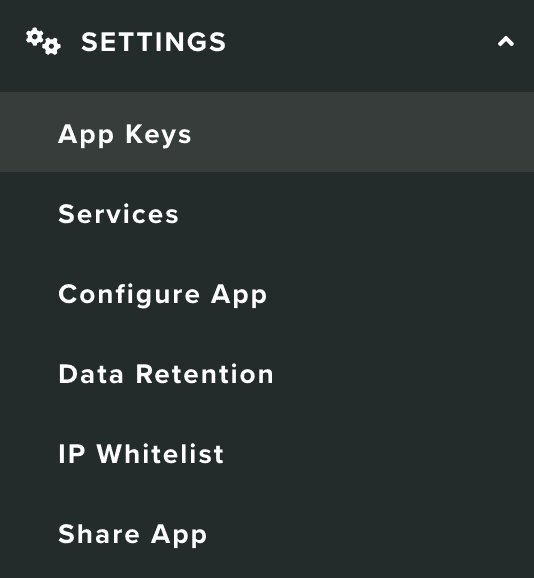
In this area you can find the credentials and configuration files needed to use our APIs and SDK. Under the Settings menu, you should click in App Keys to access this area:
Your app keys will be available in the following section:
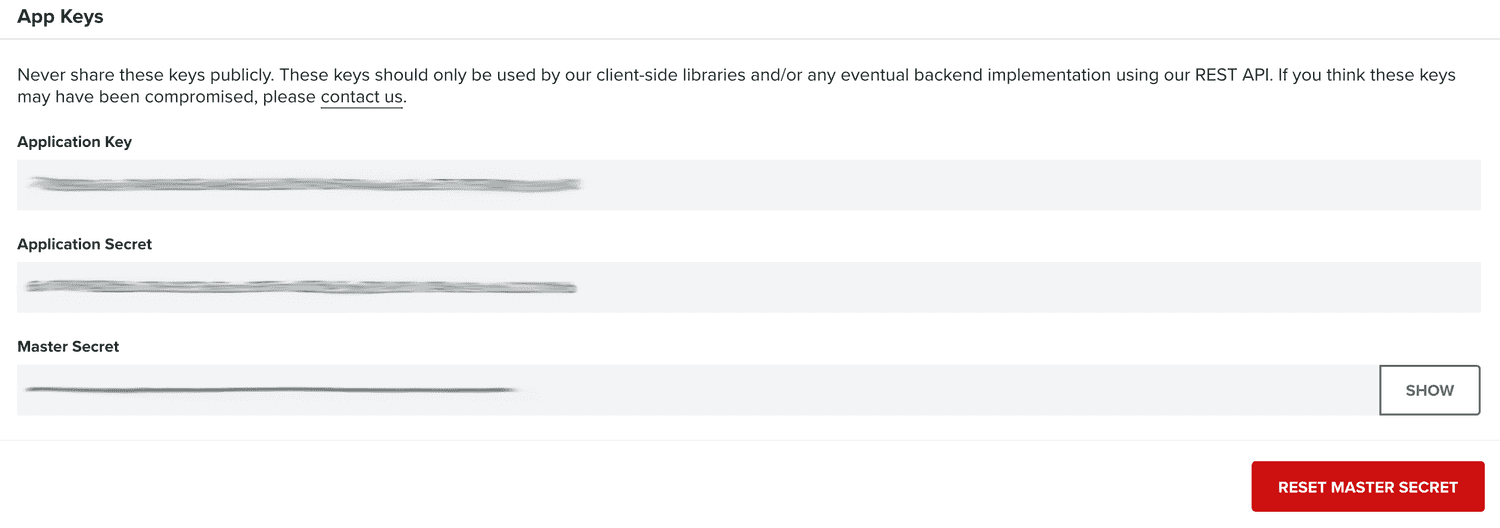
The Application Key and Application Secret are the same for all the accounts with access to the app. They allow you to do device-level requests in our API. Therefore, these are the keys used by our SDK which will be exposed in your application.
The Master Secret however, will give you access to everything in your app and should not be shared publicly anywhere. You should keep it safe in your server whenever you need to use it in a server-side application. Each account with access to an app will have its own Master Secret, and it can be reset whenever you feel it has been compromised. To do that simply click in Reset Master Secret button:

After resetting a Master Secret, you should replace any usage of that key in any server-side application.
Finally, starting with SDK v3, in this area you can download our libraries' configuration files, ready to be used in your mobile and web applications. Simply pick the file you need from the following section:

Dropping these files into your projects should be all you need to start developing using our libraries.