Data Retention
In this area you will be to define how Notificare automatically removes data after a certain amount of days. In most cases these settings should match your company's Data Retention policies in order to comply with rules like the GDPR. Access to this area depends on the access role your account has.
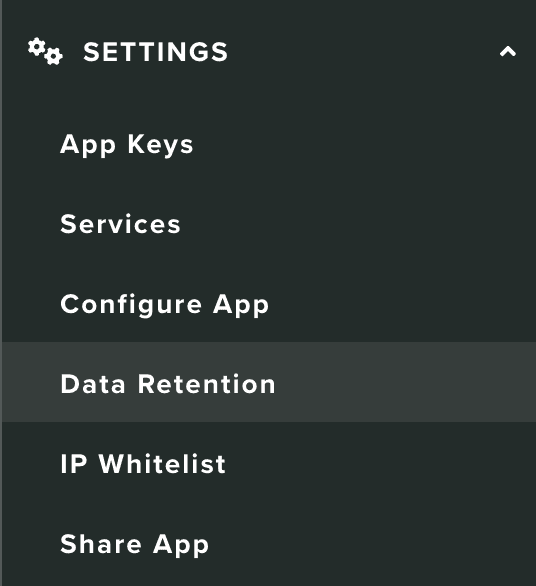
Under the Settings menu, you should click in Data Retention to access this area:
We've broken down data retention rates into different sections. This will allow you to define retention rate for each type of data your apps collect.
Users
To define how long you will keep inactive users in our platform, specify a number, in days (between 7 and 730), in the section below:

Devices
To define how long you will keep inactive devices in our platform, specify a number, in days (between 7 and 730), in the section below:

Location Data
To define how long you will keep devices' location data in our platform, specify a number, in days (between 1 and 730), in the section below:

Please note that the value you put in this field must not be inferior to the one provided in Location Lifetime under Settings > Services > Location Services.
Trigger History
This is a type of data that is used to provide functionality in your geo-triggers. Specifically, our platform relies on in this data to make decisions if geo-triggers should be executed. Discarding this data will basically disable that functionality. To define how long you will keep geo-triggers history in our platform, specify a number, in days (between 30 and 730), in the section below:

Automation History
This is a type of data that is used to provide functionality in your automation connectors. Specifically, our platform relies on in this data to make decisions if automation connectors should be executed. Discarding this data will basically disable that functionality. To define how long you will keep automation history in our platform, specify a number, in days (between 30 and 730), in the section below:

Messages
To define how long you will keep messages in our platform, specify a number, in days (between 30 and 730), in the section below:

Replies
To define how long you will keep notification's replies in our platform, specify a number, in days (between 30 and 730), in the section below:

Events
To define how long you will keep events in our platform, specify a number, in days (between 30 and 730), in the section below:

Exports
To define how long you will keep export jobs in our platform, specify a number, in days (between 1 and 730), in the section below:

Purchases
To define how long you will keep in-app purchases data in our platform, specify a number, in days (between 30 and 730), in the section below:

Finally, when you want to store any changes to this page, you should hit the Save button:
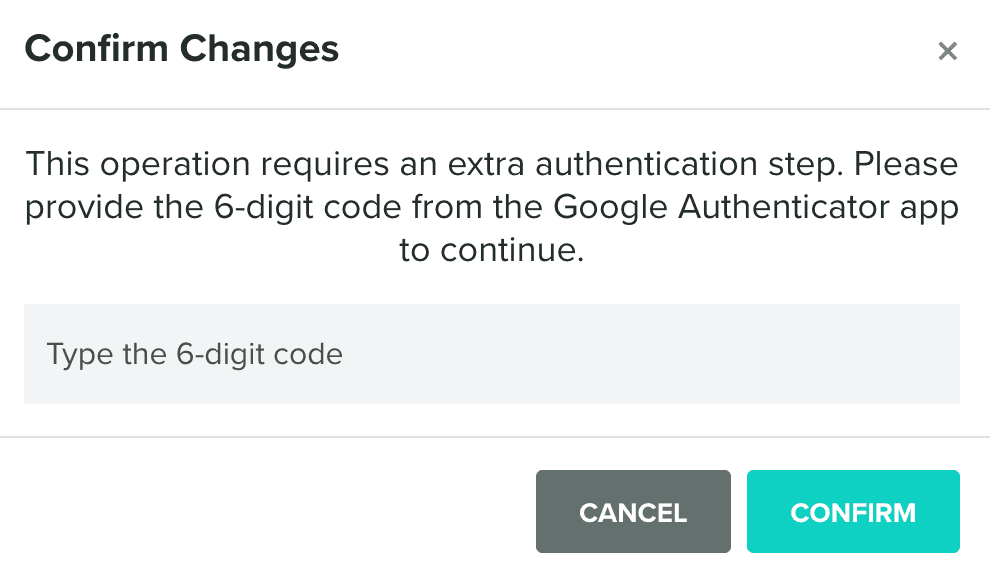
It's also important to note that this operation will need to be confirmed with your 2FA 6-digit code:
Or your current password (if 2FA is not enabled yet):