POIs
In this area you can find all the POIs created in your app. These can help you boostrap how you send geo-targeted messages to certain points of interest.
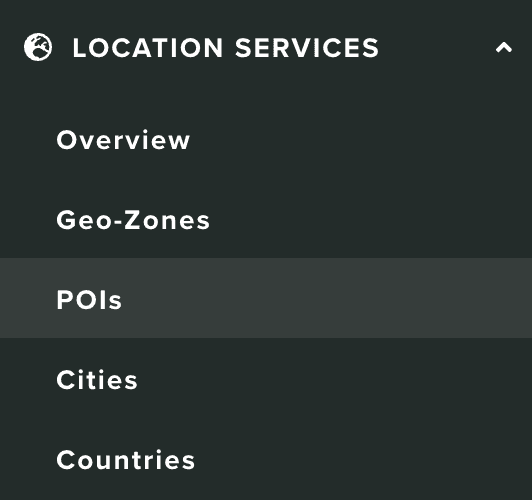
To access this area, you will need to expand the Location Services menu and click in POIs:
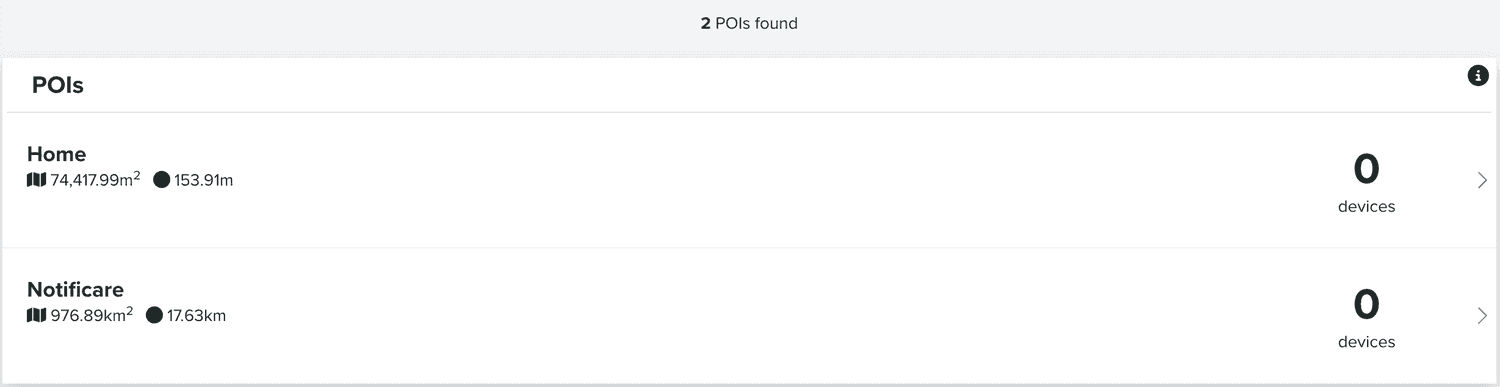
In this area you will find all the POIs you create:
You can also search POIs using the section below:

You can also create a new POI using the button below:
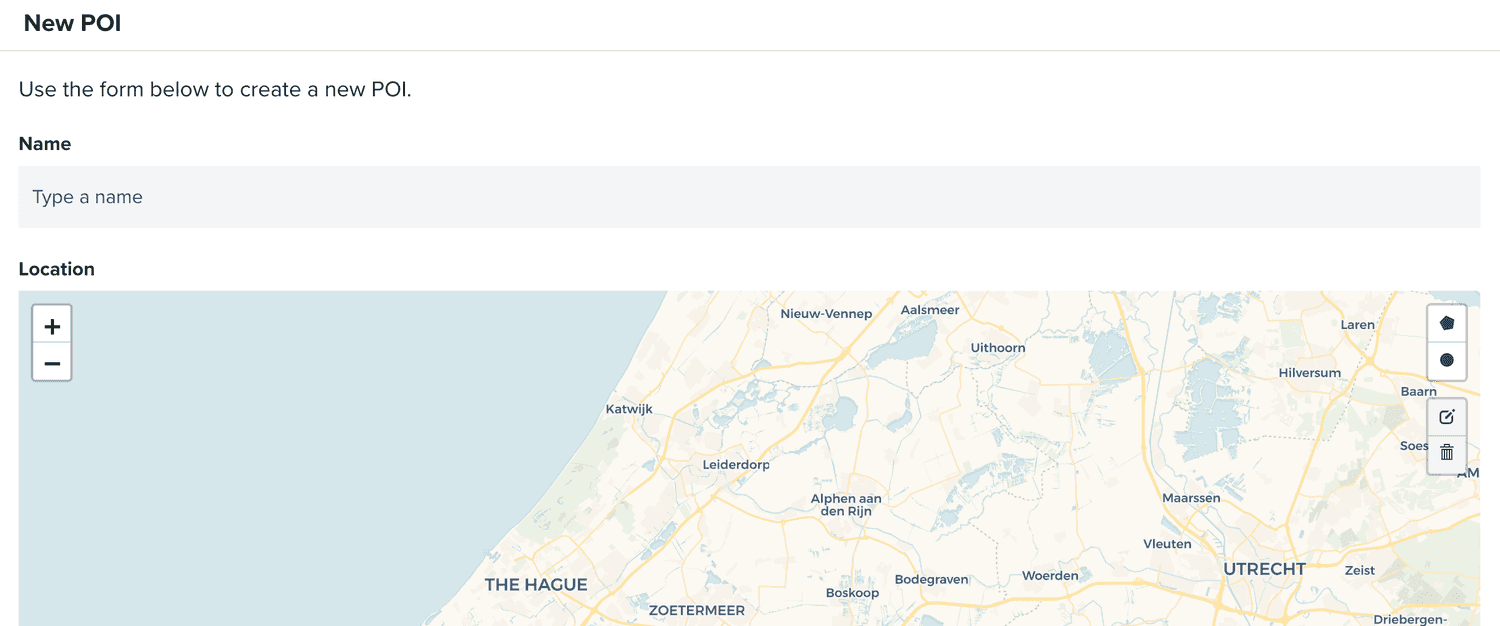
This will take you a new page:
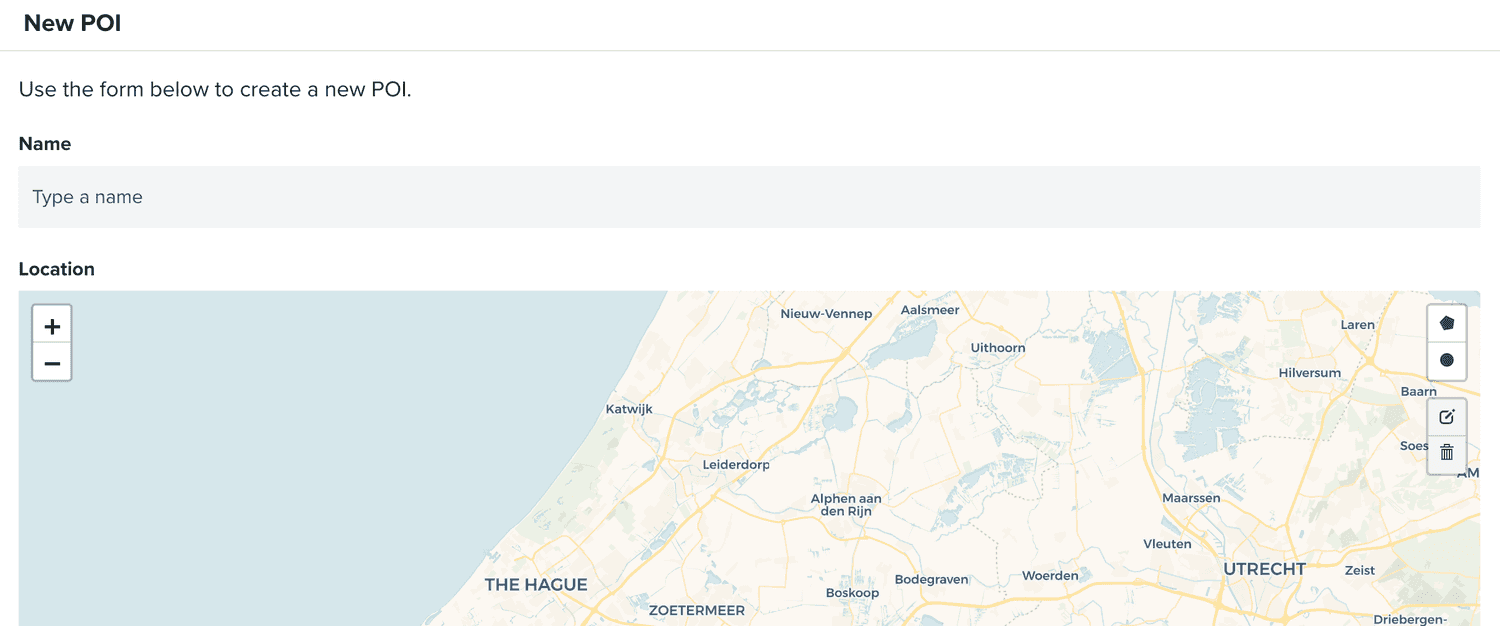
Where you should provide the name:

And the area of your POI:
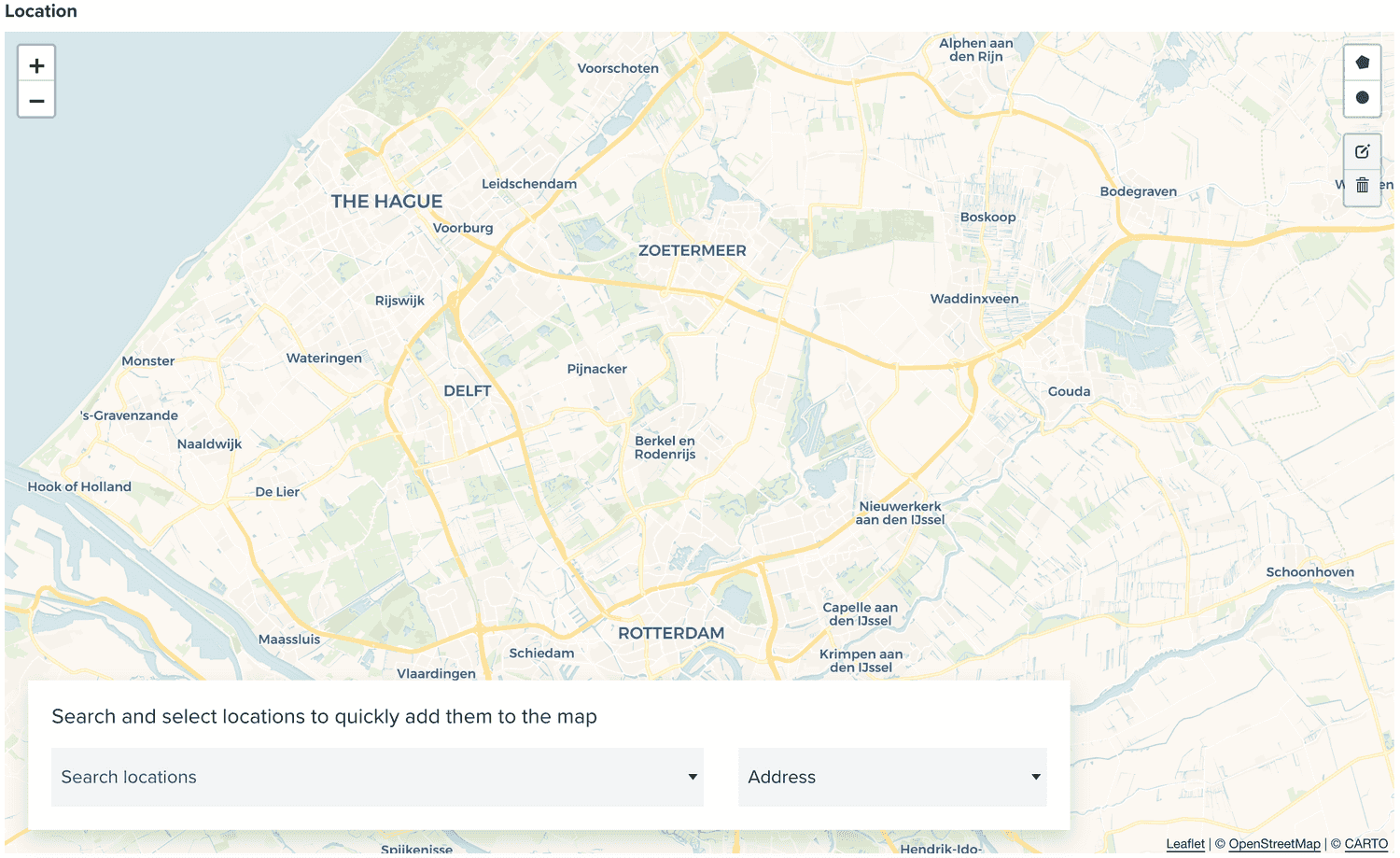
You can draw a circle or polygon in any area in the map or simply search an address, Geo-Zone, POI, city or country.
Once you've created your POI, it can be used throughout our dashboard.
You can also edit POIs, by clicking on each entry in the list of POIs:

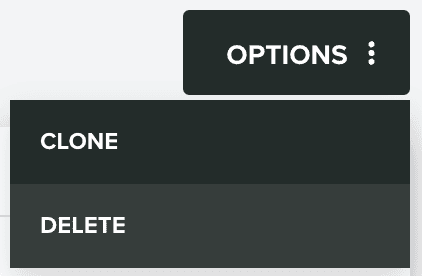
Inside this page, you can also clone a POI, by expanding the Options menu and click in Clone:
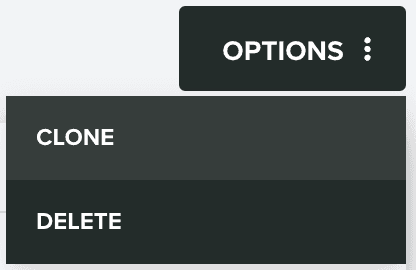
Or delete a POI, by expanding the Options menu and click in Delete: