Segments
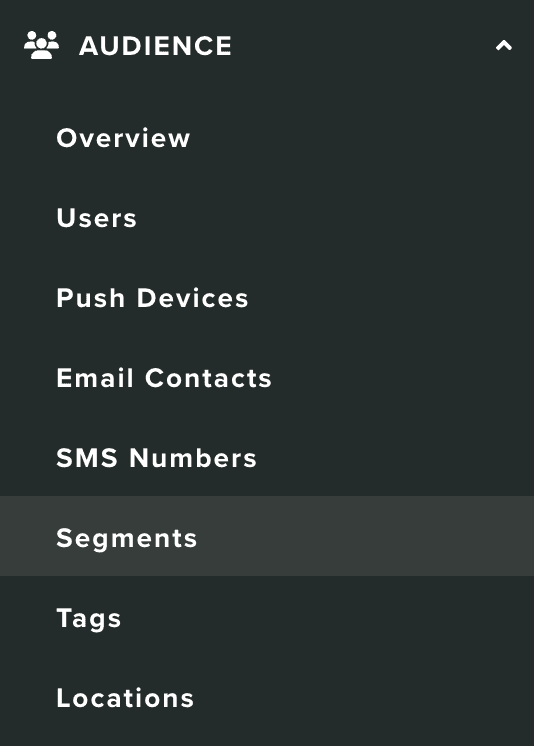
In this area you can find all the segments created in your app. To access this area, you will need to expand the Audience menu and click in Segments:
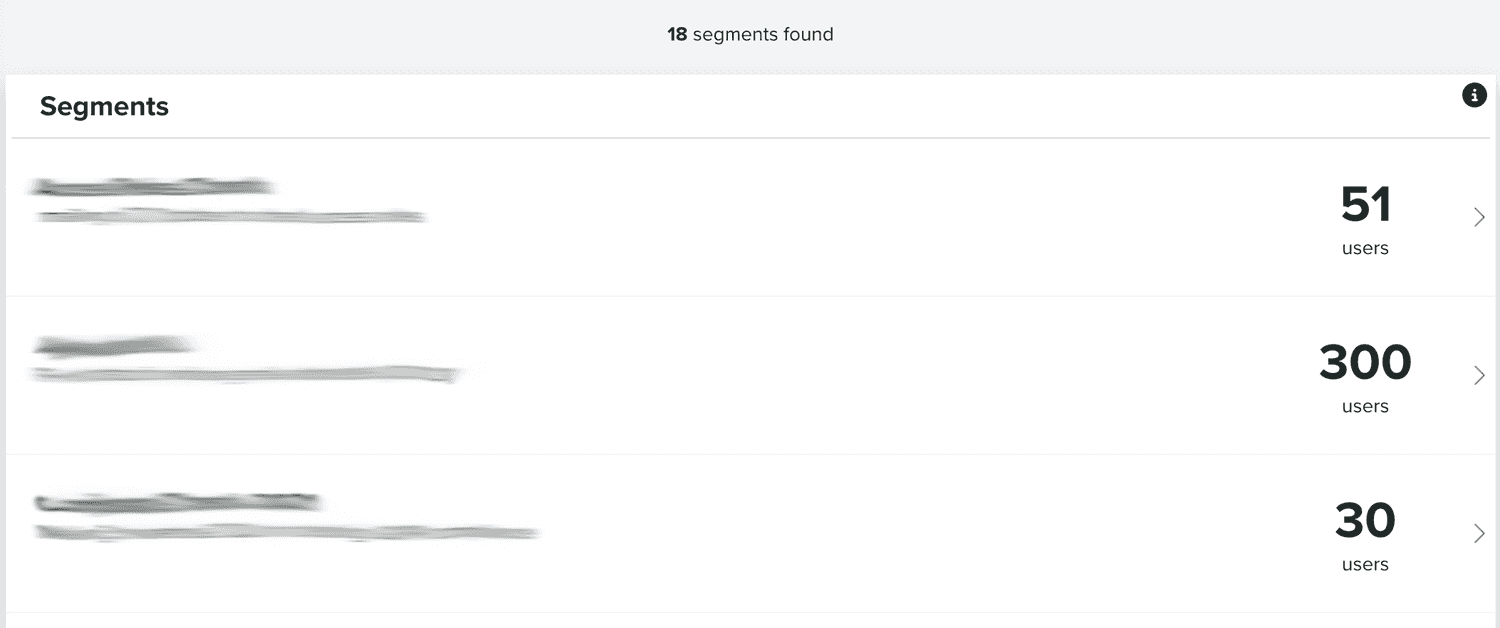
In this area, you will find all the segments you create:
You can also search segments, by using the following section:

You can create new segments using the following button:
To create a segment, you must at least provide a name for that segment:
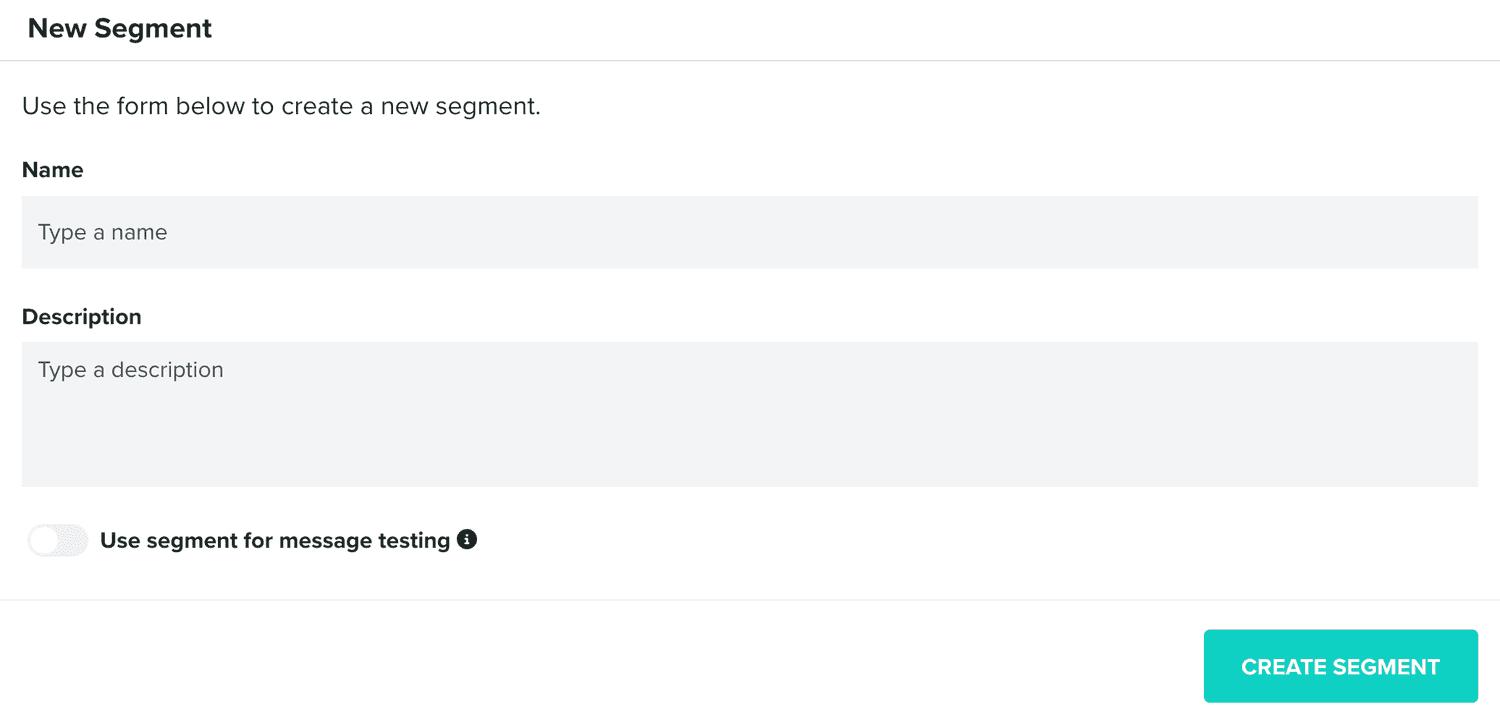
Additionally, you can also type a description and define if that segment should be used for testing.
You can also edit segments, by clicking in each entry from the segments list:

Inside each segment, besides being able to edit it, you will find all the users added to that segment:
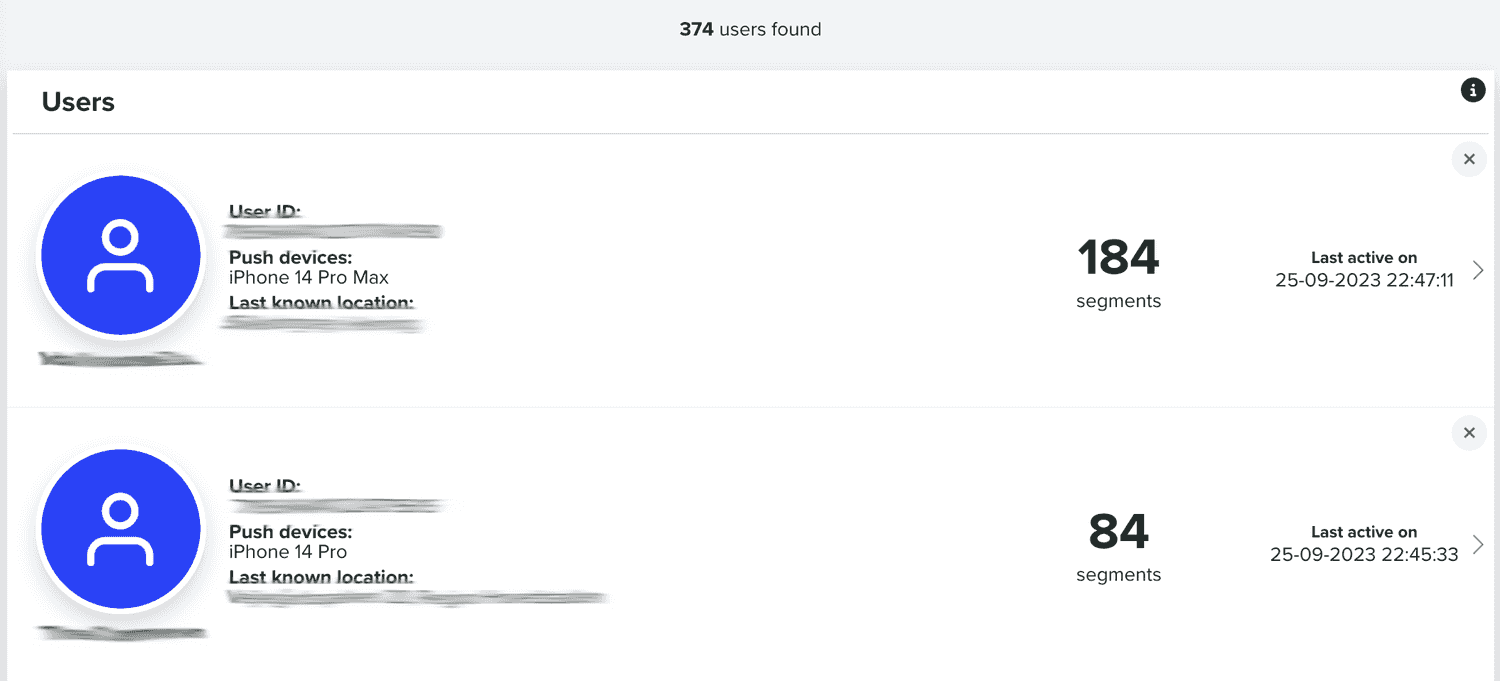
You can remove each individual user from a segment, by clicking in the button in the top right corner of each entry.
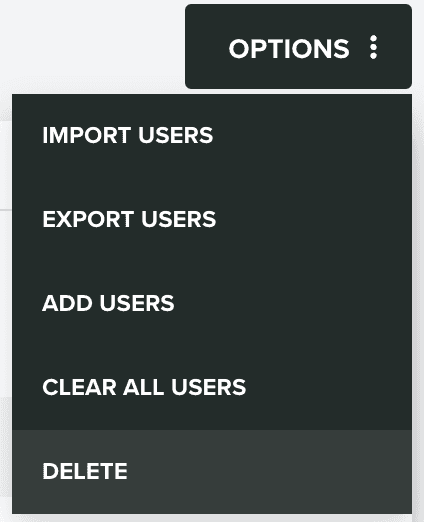
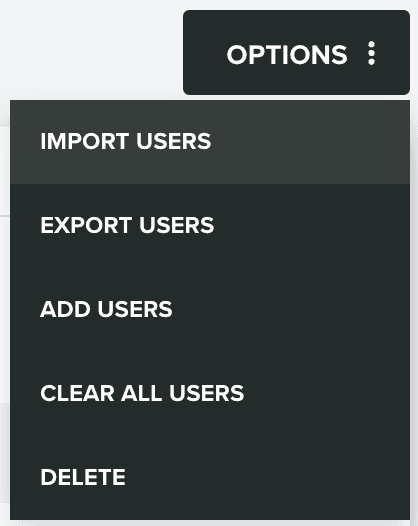
Additionally, you can import users, by expanding the Options menu and click in Import Users:
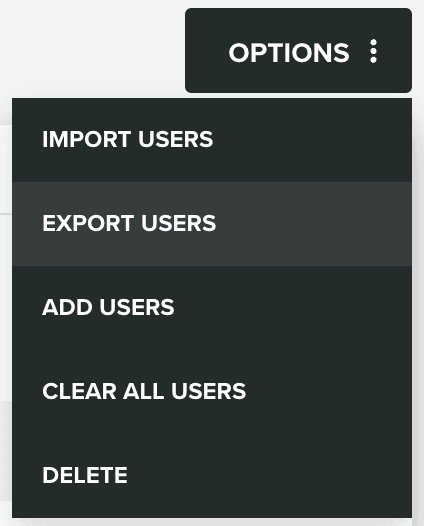
You can also export all users in the segment, by expanding the Options menu and click in Export Users:
It is also possible to manually add users to the segment, by expanding the Options menu and click in Add Users:
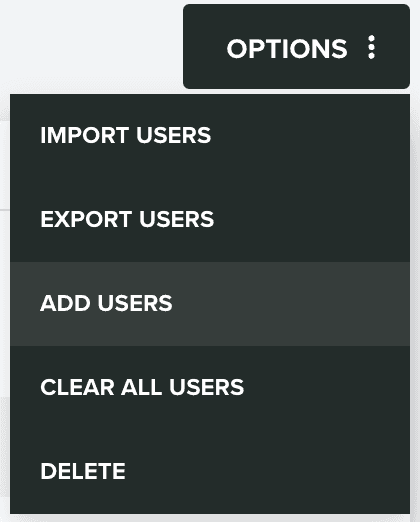
This will open a window as follows:
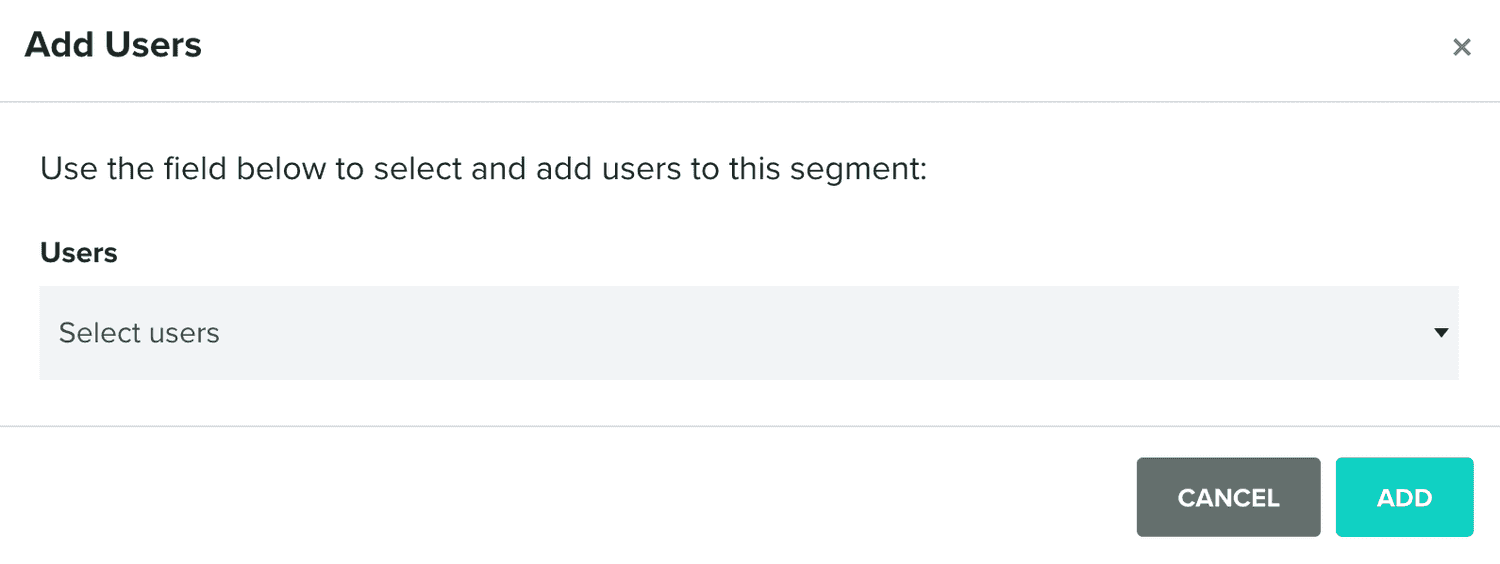
Where you can search and select users to add them to the segment.
It is also possible to remove all users from the segment, by expanding the Options menu and click in Clear All Users:
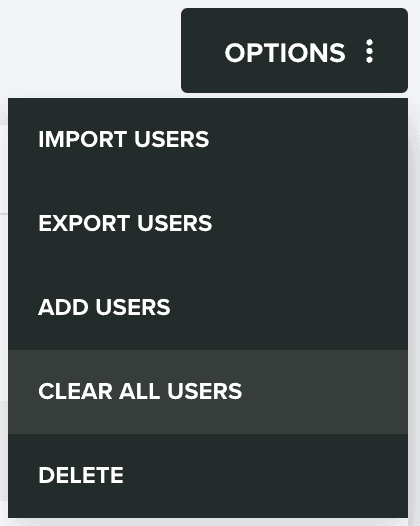
Finally, it is also possible to remove a segment, by expanding the Options menu and click in Delete: